One prompt. A wall of visuals.
Several AI models answer at once. Keep the ones you like.
Visuals that move to the music. Make each one different.

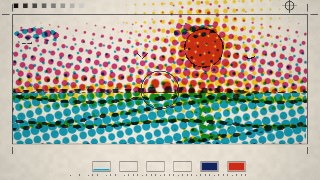
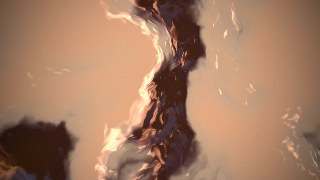

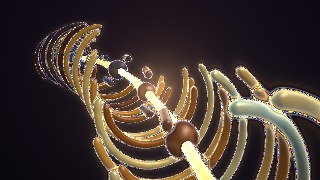

1–6 of 109 distinct visuals
It hears the kick drum.
Everything moves with the song. Turn on your camera and you’re in it too.
The picture is the code.
Drag a number and the light follows it.
Cut it to the beat.
Songs, visuals and lyrics on one timeline. Cuts land on the beat.
Edit together, live.
Export an MP4 right in your browser.
A timeline with three visuals cut on the beat, a song and lyrics. Scrolling moves the playhead while two collaborators edit alongside.
Make the first one.
Join the waitlistQuestions
- How do I get access?
- Join the waitlist with a verified account. New accounts need approval before entering Shaderforge. If you already have access, log in as usual.
- Do I need to code?
- No. Describe what you want and AI writes it. You can edit the code if you like.
- Can I use my own music?
- Yes. Upload a song or bring one in from a link. The tempo is detected for you.
- Is my work private?
- Yes. Your projects are yours. You choose who can view or edit them.